You can use the same VM as for Prometheus, Loki and Grafana to deploy n8n in Docker:
# Create directory and a docker-compose file
sudo mkdir -p /opt/n8n
cd /opt/n8n
sudo nano docker-compose.yml
services:
  n8n:
    image: docker.n8n.io/n8nio/n8n:latest
    container_name: n8n
    restart: unless-stopped
    ports:
      - "5678:5678"
    environment:
      - GENERIC_TIMEZONE=Europe/Prague
      - TZ=Europe/Prague # Change it according to yours
      - N8N_HOST=n8n.yourdomain.priv
      - N8N_PORT=5678
      - N8N_PROTOCOL=http
      - WEBHOOK_URL=http://n8n.yourdomain.priv:5678/
      - N8N_SECURE_COOKIE=false
      - NODE_ENV=production
      # Allow selected built-in Node modules (fs, path)
      - NODE_FUNCTION_ALLOW_BUILTIN=fs,path
      # Database - using SQLite for simplicity, can upgrade to PostgreSQL later
      - DB_TYPE=sqlite
    volumes:
      - n8n_data:/home/node/.n8n
      - ./local-files:/files
    networks:
      - n8n-network
    healthcheck:
      test: ["CMD-SHELL", "wget -q --spider <http://localhost:5678/healthz> || exit 1"]
      interval: 30s
      timeout: 10s
      retries: 3
      start_period: 30s

volumes:
  n8n_data:
    name: n8n_data

networks:
  n8n-network:
    name: n8n-network
# Create local-files directory with correct permissions
sudo mkdir -p local-files
sudo chown -R 1000:1000 local-files

# Deploy
docker compose pull
docker compose up -d

# Check status
docker compose logs -f
- Try accessing it on the website:
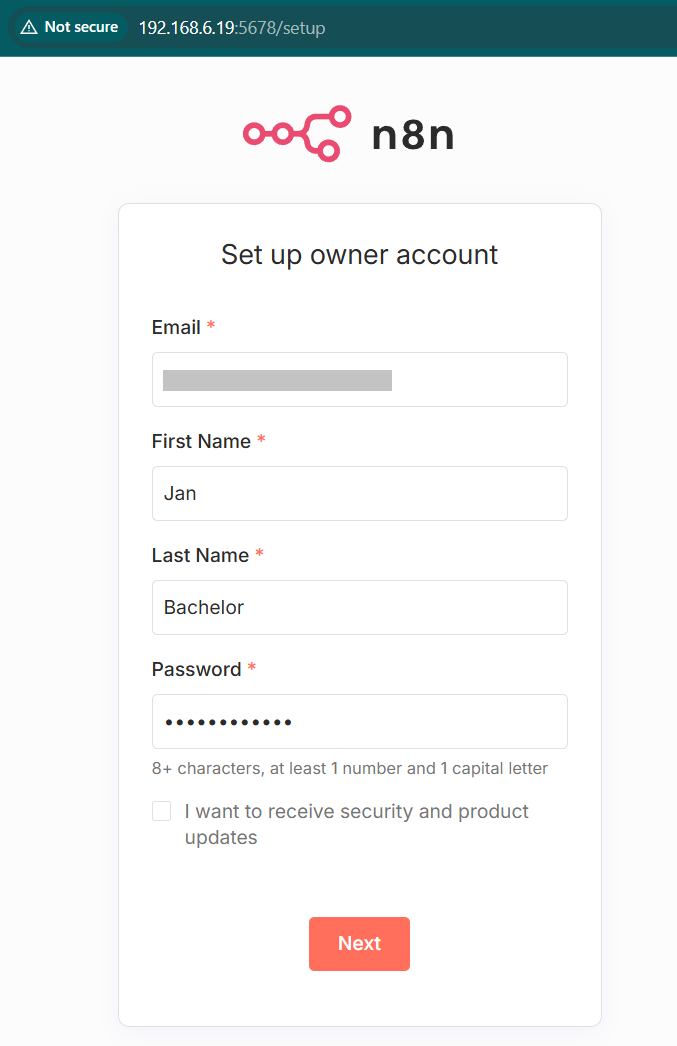
- Complete your registration to receive a free license key (indicate that you are not using n8n for work purposes).
Connect n8n with Claude
- Head to https://platform.claude.com/dashboard , log in and if you do not have it already, purchase a credit for $5. Don’t worry, it will last us for quite a while 😇
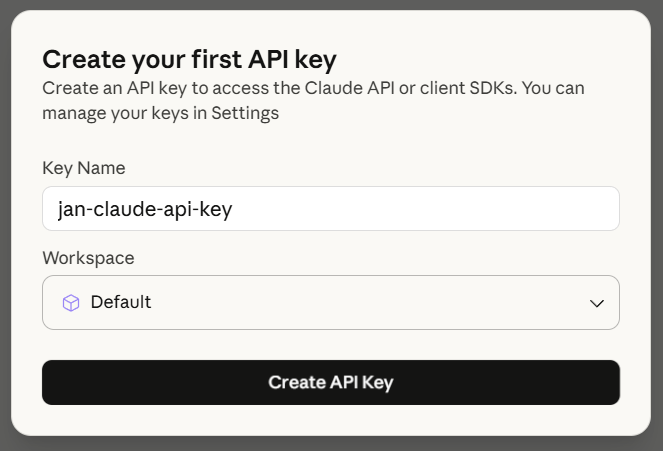
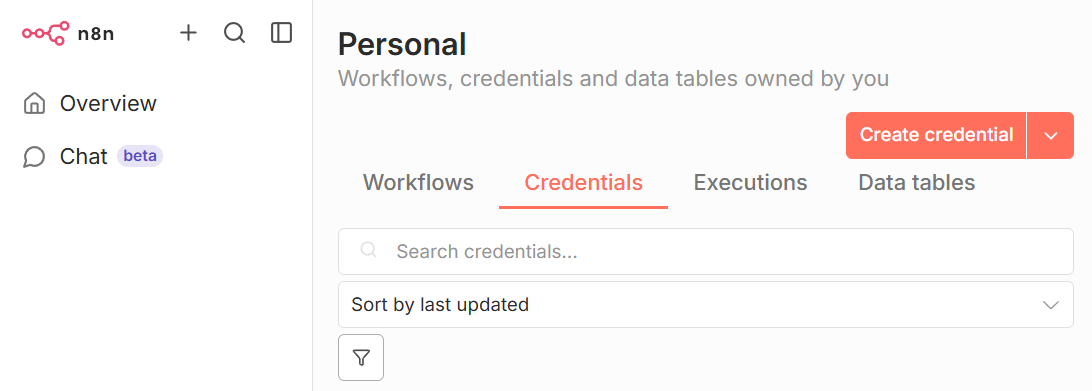
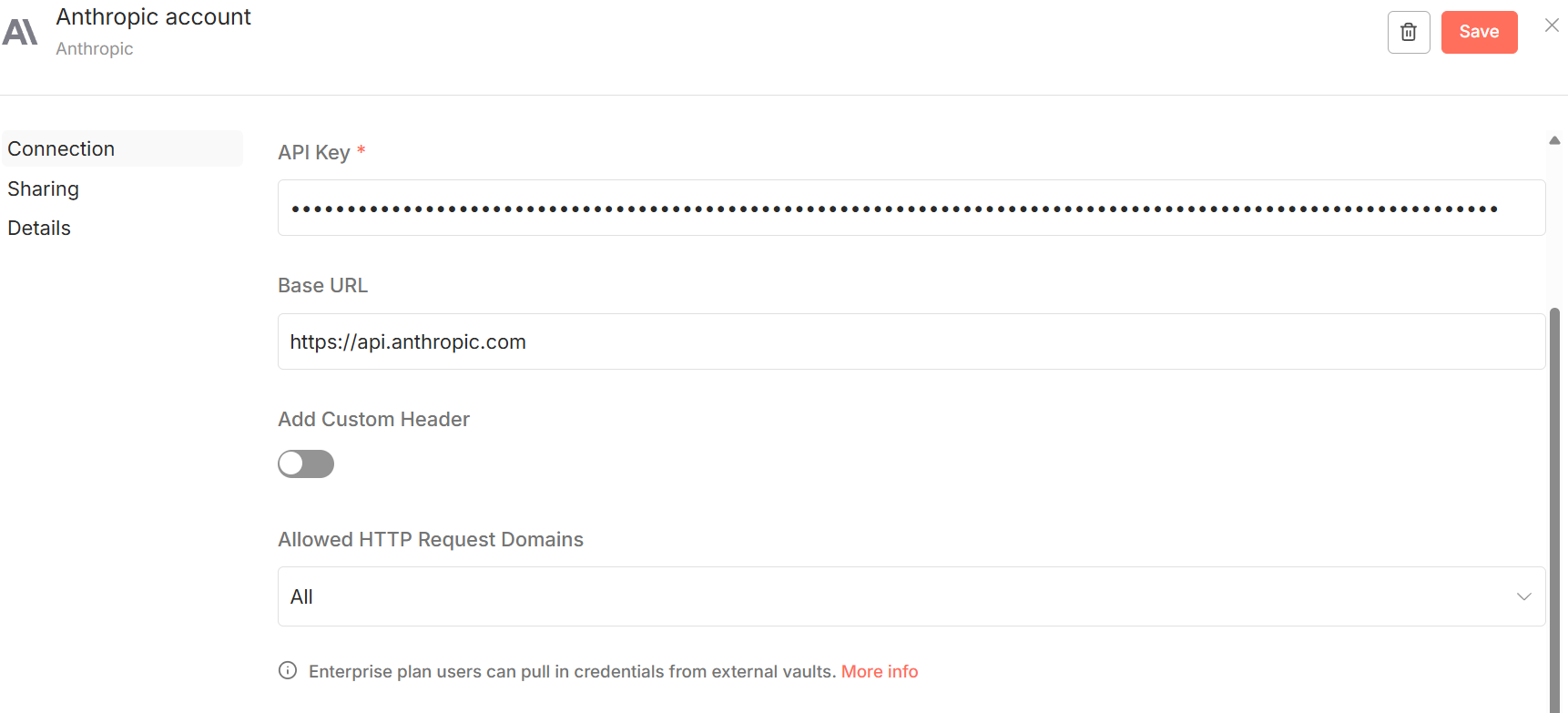
- Copy over the key and head to n8n. Add a new credential (in case you cannot find this section, then create a blank workflow and add a step for Anthropic and create the credential then):
Connect n8n with Discord
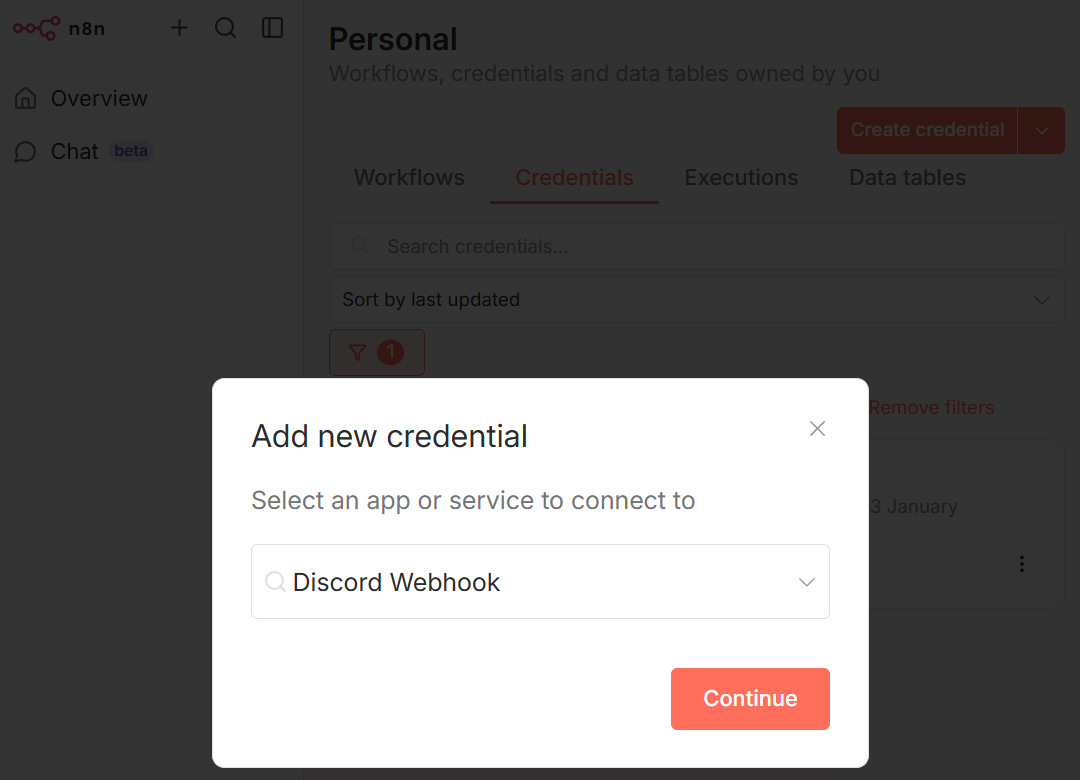
- In n8n, add another credential for a Discord webhook:
- On Discord, modify your existing server / channel settings and add a new webhook (or create a new server if you do not have one already):
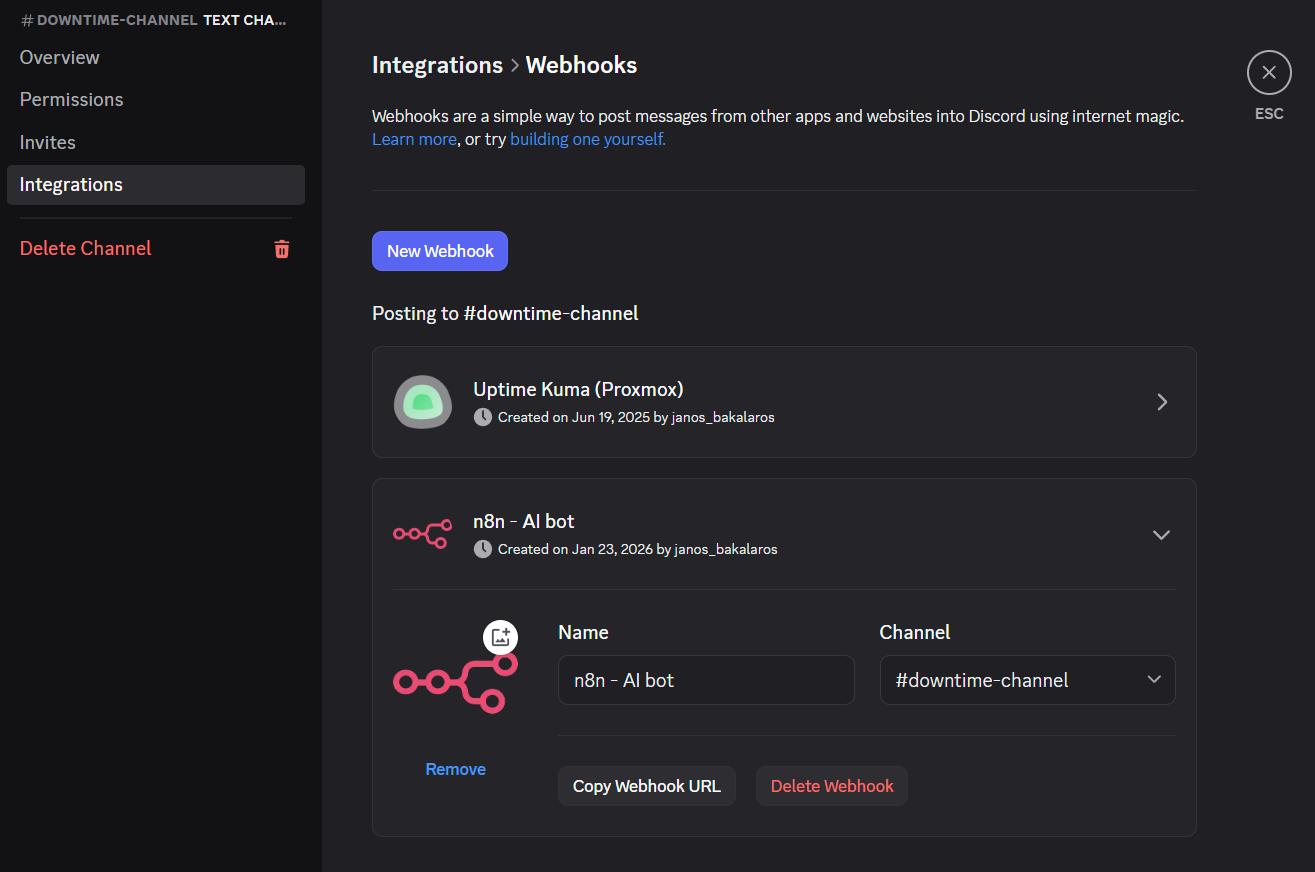
Copy the webhook URL and paste it into the window in n8n that expects the URL with the webhook data.
With that being done, we can import our first infrastructure AI-advisory workflow!